If you're looking to break down language barriers in images, an image translator might be just the tool you need. Whether you're dealing with foreign text in documents, street signs, or product labels, image translators can quickly and accurately translate text from images into your preferred language. If you're looking to integrate translation features into your WhatsApp experience, WADesk is the perfect solution. With WADesk, you can automate translations, manage multiple accounts, and enhance your customer service experience – all within the familiar interface of WhatsApp.
In this blog, we'll dive into the best image translator tools, explain how they work, and offer a step-by-step guide on how to use them.
What is an Image Translator?
An image translator is a tool or software that allows you to extract and translate text from images. This could include anything from printed documents to photos of street signs, restaurant menus, and even handwritten notes. Image translators use Optical Character Recognition (OCR) technology to detect and extract text from the image, then translate it into another language using machine translation engines.
Why Use a Translator?
Whether you're working on international projects, traveling, or simply trying to understand foreign content, a translator can save you time and effort. One of the most convenient ways to overcome language barriers is by using translation tools that integrate directly with your everyday communication platforms.
For instance, WADesk offers a seamless translation feature for WhatsApp users, allowing you to easily translate incoming and outgoing messages in real-time. Whether you're managing customer service or connecting with clients in different languages, WADesk ensures that you never miss a beat. The built-in translation feature helps you communicate effortlessly, making it a must-have for businesses and individuals who need to break down language barriers quickly and accurately.
Top Image Translator Tools You Should Try
There are several powerful image translator tools available, each with its own set of features. Let’s look at some of the best ones:
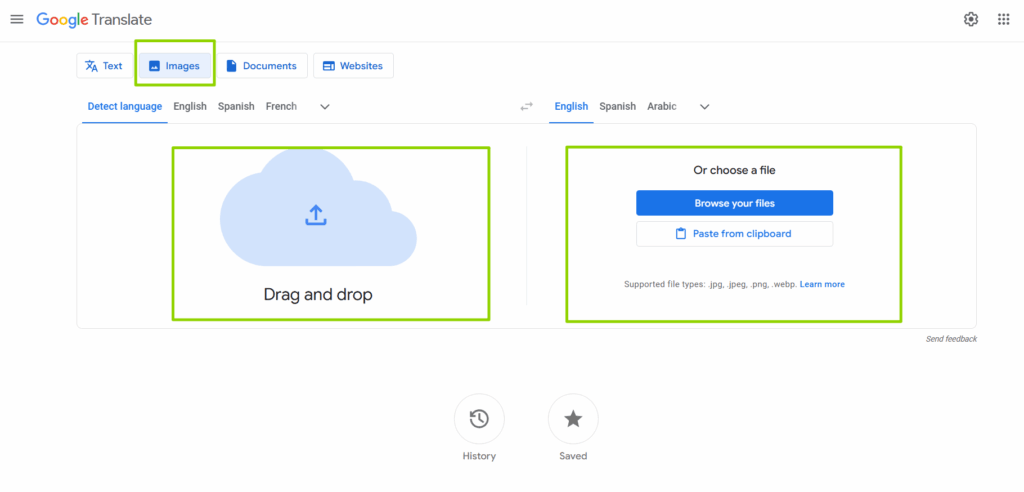
- Google Translate’s mobile app features an image translation function that allows you to simply point your camera at the text you want to translate. This is one of the most popular tools, offering support for over 100 languages.
- How to Use: Open the app, select the camera icon, and point it at the text in the image. Google will then display the translated text in real-time.
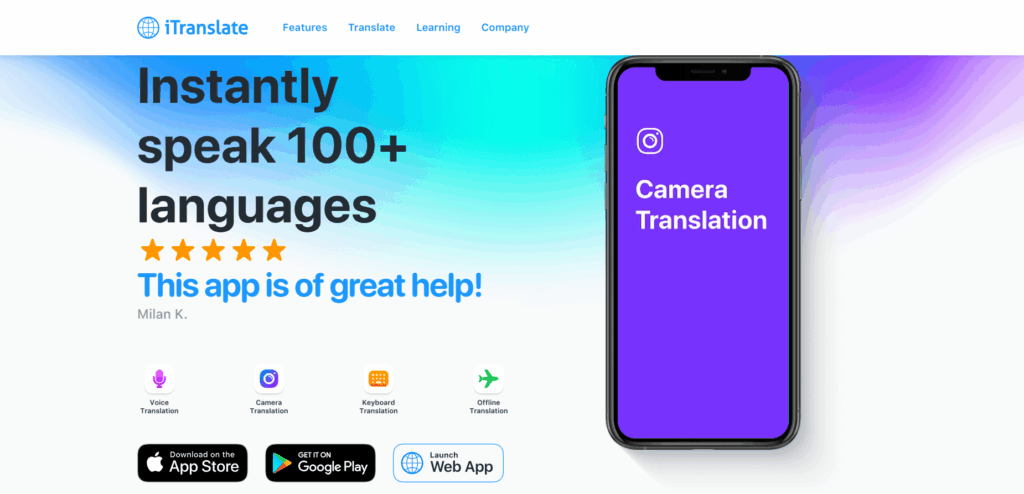
- iTranslate is another great option that provides both text and image translation. The app allows users to capture images with their device’s camera and get instant translations.
- How to Use: Select the "Camera" option in the app and take a photo of the text. The app will recognize and translate the text for you.
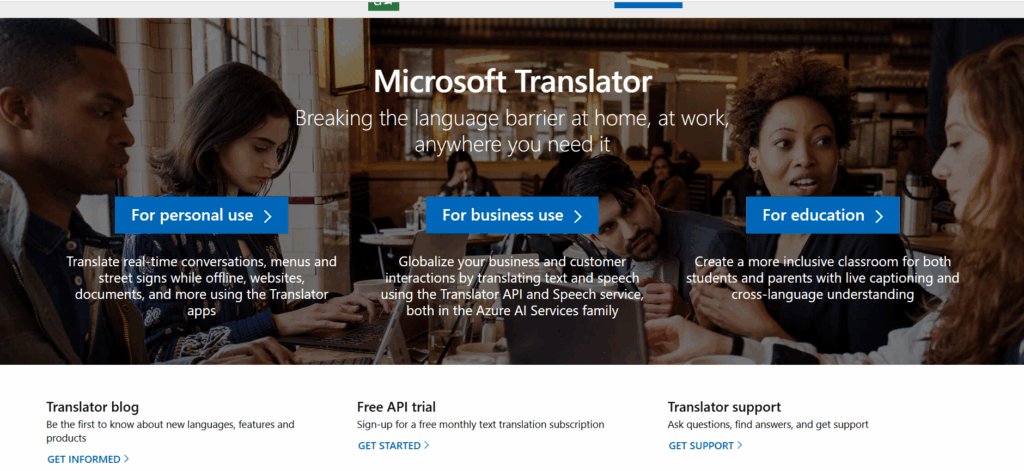
- Microsoft Translator also has an image translation feature that works by detecting text in images and translating it into your chosen language.
- How to Use: Open the app, select the camera icon, and scan the text. You can then choose from more than 60 languages for translation.
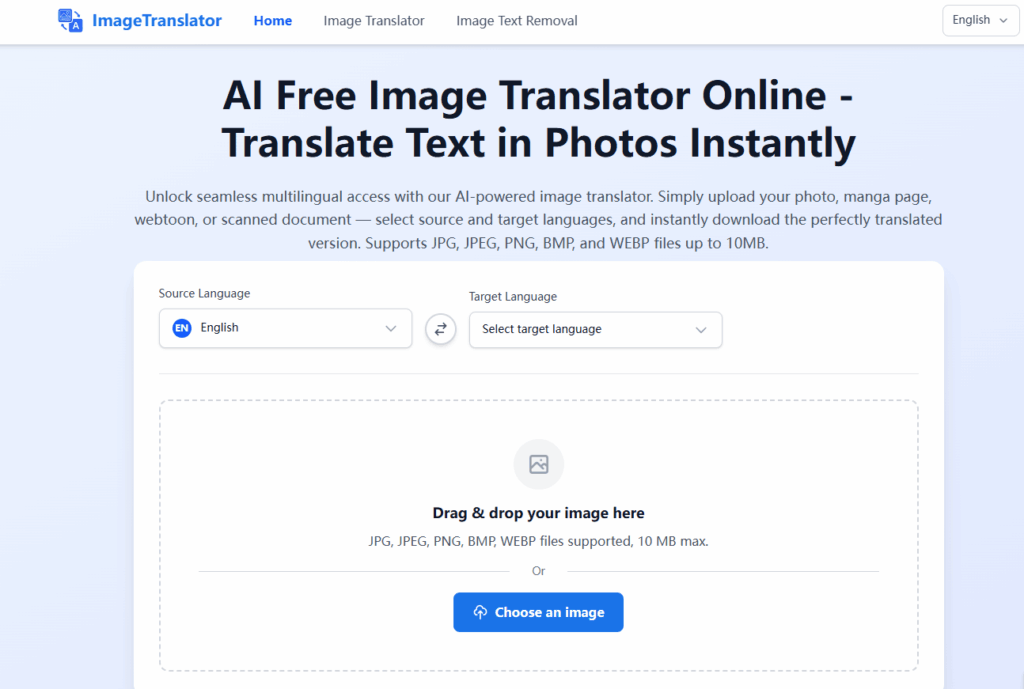
ImageTranslator.com offers a straightforward and efficient image translation tool that allows you to easily translate text from images. This powerful tool uses Optical Character Recognition (OCR) technology to detect and extract text from your photos and then translates it into your desired language. With a simple, user-friendly interface, ImageTranslator.com is perfect for anyone looking to translate text in photos, documents, street signs, or even handwritten notes.
How to Use an Image Translator: A Step-by-Step Guide
Using an image translator is generally straightforward. Here’s a simple guide on how to make the most of these tools:
1.Download an Image Translator App:
Choose an image translator based on your needs (Google Translate, iTranslate, etc.) and download it on your device.
2.Capture the Image:
Open the app and use your device’s camera to capture the image with the text you want to translate. Make sure the text is clear and in focus for best results.
3.Select the Source and Target Languages:
Most image translator tools will let you select both the source language (the language in which the text is written) and the target language (the language you want to translate it to).
4.Translate and Review:
Once the image is captured, the app will extract the text and translate it into the desired language. Make sure to review the translation for accuracy, especially for more complex or handwritten texts.
Conclusion
An image translator is an invaluable tool for breaking down language barriers in images, whether you're traveling, working with international clients, or simply curious about a foreign text. With a variety of apps and tools available, you can easily find one that fits your needs and helps you translate text effortlessly. From documents and signs to menus and more, image translators are here to make your multilingual tasks easier and faster.
If you’re looking to dive deeper into this technology, explore different image translator apps and experiment with their features. Soon, you’ll be able to translate any image in just a few clicks!
Want to learn more about foreign trade?
WhatsApp unblocking/Unofficial/Unable to receive verification code?
What are WADesk's anti-blocking mechanisms and key features?
Scan the QR code to join the group, let's exchange ideas and make money together!