

20 Customer Groups, All "Died" After 3 Operations Staff Left
Anna runs a maternal-and-baby export team that scaled to 20 customer groups in 2025 — 10 VIP groups (500 members) + 5 product-trial groups (300 members) + 5 regional groups (2 each for North America, Europe, Southeast Asia). Three operations staff each managed a few groups, doing daily work: create groups, add members, welcome, answer questions, send group announcements.
Earlier this year, one operations person jumped ship, and the 6 groups they managed instantly became leaderless — because all 6 groups had that person as the group owner (using their personal WhatsApp number). After the operations person left, those numbers couldn't be taken, but the group-owner identity couldn't be transferred. The result:
- 3 groups were taken over by new operations staff, but because they didn't have the owner role, they couldn't bulk-send group announcements or review join requests
- 2 groups simply "died" — customers sent messages that no one replied to, and 80+ members left within 2 weeks
- 1 group was maliciously reported, and the owner number — because it wasn't "company property" — got frozen, instantly severing contact with all 500 members of that group
What crushed Anna even more was zero data — she didn't know how many of those 20 groups had daily active members, how many messages were sent, or how many customers churned. She wanted to do refined operations, but didn't even have basic data.
Anna's problem wasn't "poor management" — she had never designed "group operations" as a scalable system from the start.
The 5 Walls of Group Batch Management
When you break it down, every team doing WhatsApp customer group operations hits 5 walls:
Wall 1: Group Creation Is Slow
20 groups, each one manually created — pick an avatar, write a group name, set a group description, 5-10 minutes per group, 1.5-3 hours for 20 groups.
Wall 2: Member Adding Isn't Batchable
WhatsApp group's add-member mechanism is 1 customer at a time (or customers add themselves via an invite link). Filling a 500-member group requires either the operations person to click 500 times (unrealistic) or to repeatedly chase customers to scan and join.
Wall 3: Owner Permissions Are Scattered
Each group has only 1 owner (the owner's WhatsApp number is a personal asset, not a company asset). Operations person leaves = owner is gone = group is out of control.
Wall 4: Group Messages Have No Data
What was sent in the group, who read it, who replied, what's the churn rate — WhatsApp native groups don't surface any of this data. Operations wants to optimize group content, identify high-activity customers, do refined segmentation — all by feel.
Wall 5: 24h In-Group Response Is Hard
Customers @ the operations person in the group to ask questions, but once operations is off-duty, no one answers. Piling up unread messages in groups, poor customer experience — this is the common disease of all group operations.
These 5 walls aren't unique to any one team; they're the "common disease" of WhatsApp group operations. To truly solve them, you must turn group management from "individual behavior" into "systematic process."
The Breakthrough: 5-Step Standardized Group Management Process
One-line takeaway: Break group operations into 5 independent steps — "create → add → welcome → manage → analytics" — and automate and permission-separate each one.
WADesk's group batch management module covers the entire flow of these 5 steps:
Step 1: Batch Create Groups
No more one-by-one manual creation. In the WADesk client:
- Configure group templates: Group name template (e.g., "VIP-{region}-{number}") + group description + group avatar (supports batch upload)
- Configure creation count: Create 5, 10, 20 groups at once; system auto-creates
- Configure group owner: Each group designates an owner number (must be a company asset, not a personal number)
| Step | Before (Manual) | After (WADesk Batch) |
|---|---|---|
| Single group creation time | 5-10 minutes | 10 seconds (system auto-creates) |
| Total time for 20 groups | 1.5-3 hours | 3 minutes (one-click launch) |
| Group naming/description consistency | Easy for humans to mistype | Template unified (zero error) |
Step 2: List-Import Auto Member Adding
After the customer list (Excel/CSV) is imported into WADesk, the system automatically adds members per preset rules:
- By region: US customers into "VIP-NA-01", European customers into "VIP-EU-01"
- By customer tier: High-value customers into VIP groups, regular customers into regional groups (see WhatsApp Customer Tier Segmentation)
- By tag: Customers tagged "maternal-baby-0-1yr" go into "VIP-Trial-01"
The add-cap per group is configurable (200-500 members/group recommended). After a customer is added to a group, they're auto-tagged "joined-{group-name}" for later refined operations (see WhatsApp Customer Profiling & Tags).
Step 3: Entry Welcome Messages
The moment a customer joins the group is the key window for the first impression. WADesk supports:
- Independent welcome per group: VIP group welcome vs regional group welcome can be configured separately
- Multimedia welcome: Supports text + image + link + video
- Delayed send: Send 0-60 seconds after the customer joins, to avoid the "spam feel"
Step 4: Owner Permission Distribution
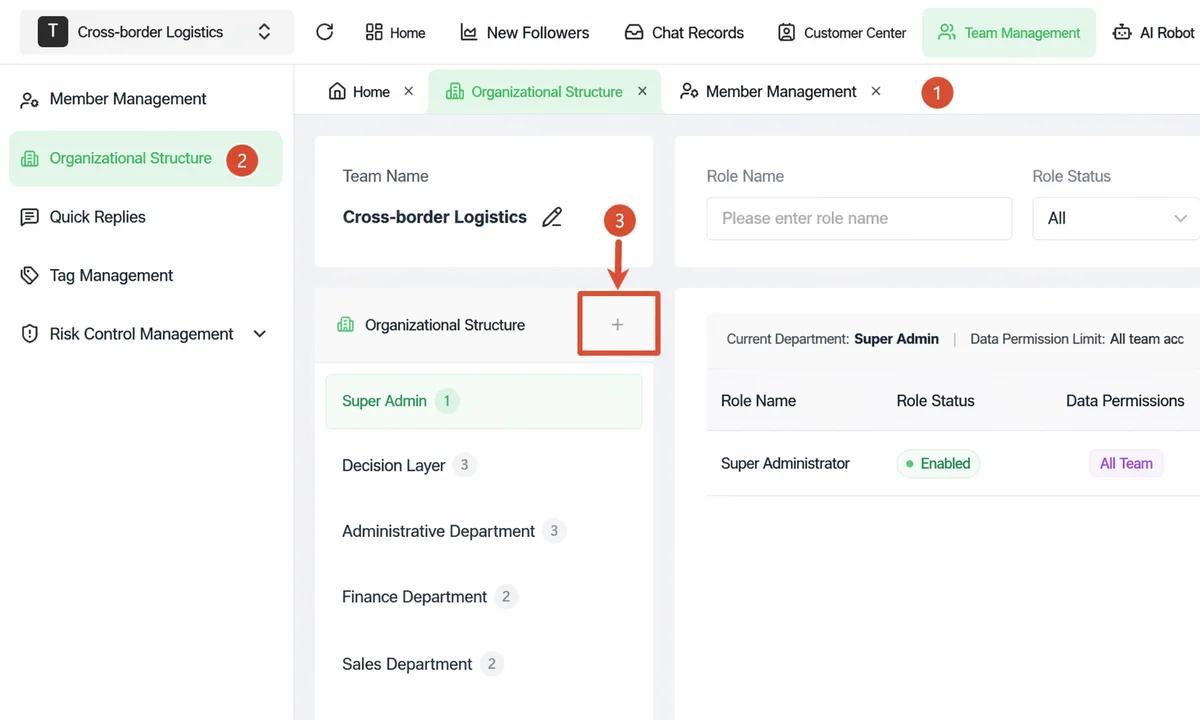
This is the step Anna learned the hardest lesson about. WADesk's solution is "owner = company asset + multiple admins":
- Owner number must be a company asset (e.g., a WADesk sub-account), not a personal WhatsApp number
- Each group can have multiple admins (up to 10), with permissions to "send group announcements, review join requests, remove members"
- Operations staff leaves = admin role is revoked, owner role unchanged, the group doesn't "die"
Step 5: Group Analytics Dashboard
WADesk's group analytics dashboard covers 5 key metrics:
| Metric | Meaning | Use |
|---|---|---|
| Group message count | Daily/weekly message volume per group | Identify active groups vs silent groups |
| Active member count | Members who spoke in the last 7 days | Identify high-activity customers, do refined operations |
| Churn rate | Daily/weekly churn ratio | Early warning of group quality issues |
| Join source | Which channel customers joined from | Channel attribution |
| Group message reach | Read rate, reply rate of group messages | Optimize group content quality |
This data is something WhatsApp native groups completely don't provide — with this data, operations can shift from "by feel" to "by data."
With AI Support and Team Inbox: 24h Group Service
Simply "creating" the groups isn't enough; 24h in-group response is what most teams can't do. WADesk provides two layers of fallback:
Layer 1: AI Group Support
WADesk's AI auto-reply can hook into groups:
- When a customer @s the group owner or asks a question, the AI auto-identifies intent and replies
- 24h non-stop, group messages always get an answer
- Questions the AI can't answer are auto-routed to humans (sales or operations)
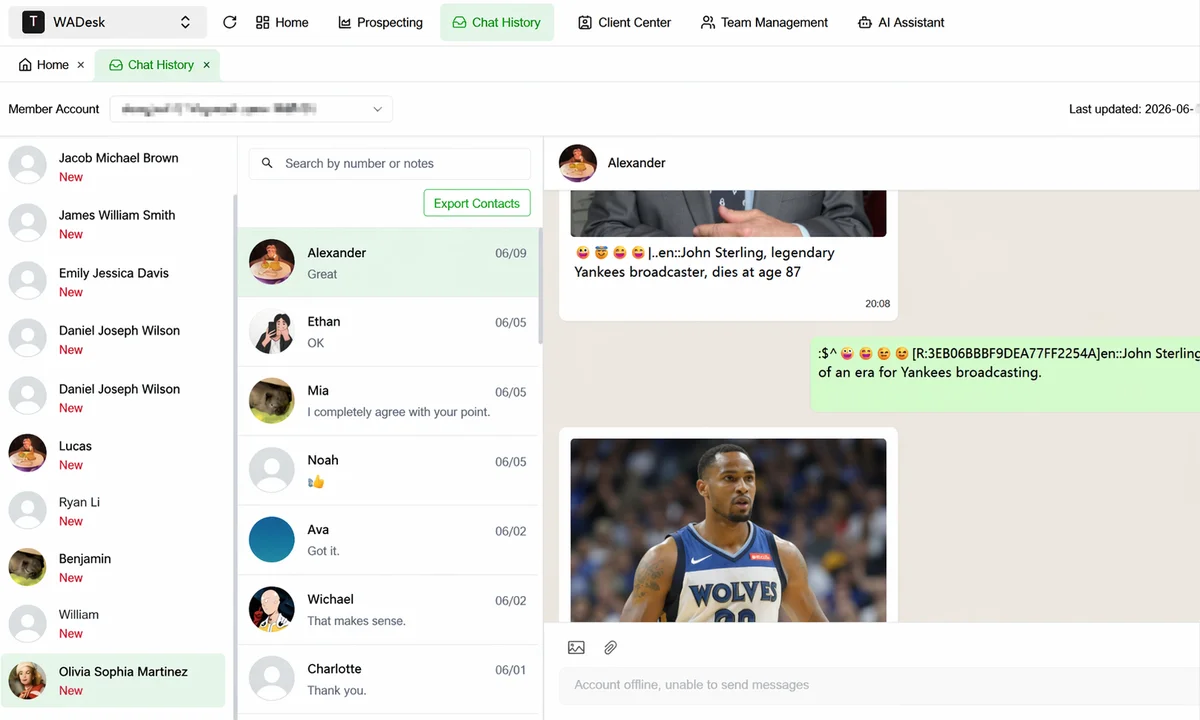
Key: When AI replies in a group, it labels itself as "AI assistant", so customers don't think sales is on duty 24/7.
Layer 2: Team Inbox Aggregation
Messages @ing the owner or DMs to the owner in the group sync into the WADesk team inbox (see WhatsApp Team Inbox Collaboration). Sales see DMs from all groups in the inbox, no need to watch each group individually.
Combined with WADesk's quick-reply script library, high-frequency questions in groups ("What's the price" / "How to order" / "How long for shipping") can be answered in seconds with one script — operations efficiency 3-5x higher.
Anna's Reworked Group Operations
Anna switched all group owner numbers to WADesk sub-accounts (company assets) and redesigned the group batch management flow. 3 months in (data estimated from internal team observation, for illustration):
| Dimension | Before (Manual + Personal Numbers) | After (WADesk Batch + Company Assets) |
|---|---|---|
| Total group creation time (20 groups) | 1.5-3 hours | 3 minutes (one-click) |
| Total member adding time (500 per group) | 1-2 weeks | 2 hours (list-import auto add) |
| Impact of operations staff leaving on groups | Owner gone, group out of control | Zero impact (owner is a company number, admin permissions revoked) |
| Group message response time | 4-6 hours | 18 minutes (AI support + team inbox) |
| Group daily activity (7-day speakers / group members) | ~8% | 20% (estimated for illustration) |
| Group monthly churn rate | ~15% | < 5% |
The most unexpected win for Anna was a major lift in customer satisfaction with the groups — customers used to ask questions in the group and get no response, now there's always a response within 18 minutes (AI or human). The group is no longer a "one-way broadcast channel for information," but has truly become a "two-way context for customer service."
3 Pitfalls to Avoid When Deploying Group Batch Management
1. Group Owner Number Must Be a Company Asset
Never use a personal WhatsApp number as group owner. The owner owns the group; operations leaving = owner is gone = group is out of control. WADesk sub-accounts are company assets — inheritable, transferable, manageable.
2. Bigger Groups Aren't Always Better
500-person and 200-person groups have very different operating costs. We recommend VIP groups of 200-300 (high quality, high activity), regular groups of 300-500 (information distribution). Groups over 500 see noticeably lower activity (based on our observation serving multiple community teams).
3. Group Data Must Be Reviewed Regularly
Creating the groups isn't the end. Look at the group data dashboard weekly, identify silent groups, identify high-activity customers, adjust group content strategy. Group operations are "raised," not just "built."
Frequently Asked Questions
Q1: What's the max member count for a WhatsApp group?
WhatsApp groups' standard cap is 1024 members. But in actual operations, groups over 500 see noticeably lower activity (information overload, messages getting buried). We recommend 200-500 members/group as the sweet spot.
Q2: How do I batch create WhatsApp groups?
The simplest way is to create them one by one manually (slow and error-prone). WADesk supports creating N groups at once + unified naming rules + unified owner, the whole process takes less than 5 minutes.
Q3: How do I batch add members to a group?
WhatsApp native doesn't support batch adding (1 at a time). WADesk supports list import + auto add — after importing a customer list, the system automatically adds members one by one into the corresponding group per rules (200-500 member cap per group recommended).
Q4: What happens to groups when the owner leaves?
This is the biggest pitfall of group management. If the owner is a personal WhatsApp number, operations leaving = group out of control. WADesk's solution: the owner must be a company asset number (WADesk sub-account); operations staff are just "admins," and on departure the admin permission is revoked, the owner identity stays.
Q5: Can group messages be tracked with data?
WhatsApp native groups have no data. WADesk's group analytics dashboard provides 5 key metrics: group message count, active member count, churn rate, join source, group message reach. This data is the foundation of refined group operations.
Q6: How do I achieve 24h in-group response?
Two layers of fallback: Layer 1: AI auto-reply (24h auto-response to common questions) + Layer 2: team inbox (in-group DMs aggregated into the inbox, sales follow up in the inbox). See WhatsApp AI Auto-Reply 24h Coverage and WhatsApp Team Inbox Collaboration.
Q7: How do I differentiate operations across different groups?
Build a group matrix by customer tier, region, and tag:
- VIP groups (high-value customers) — high-frequency interaction, exclusive perks, deep owner engagement
- Regional groups (NA/EU/SEA) — content by region time zone, language-specific messages
- Topic groups (trial groups / event groups) — short-term, temporary, dissolve when event ends
Works best when combined with customer tier segmentation and customer profiling tags.
Closing Thought
Group operations isn't as simple as "create a few groups and send messages" — it's a complete chain of "create → add → welcome → manage → analytics."
20 groups manually managed by 1 operations person is destined to fail; 20 groups system-managed in batch + AI support + team inbox, and 3 operations staff can run it. The difference isn't in headcount, it's in "systematization."
WADesk's group batch management module is designed exactly for this chain — configure once, run for the long term, data visible, permissions controllable.
Groups aren't a burden, they're an asset. Turning groups from "a black hole that consumes operations time" into "a scalable customer asset" is a step every private-domain team will eventually take.