

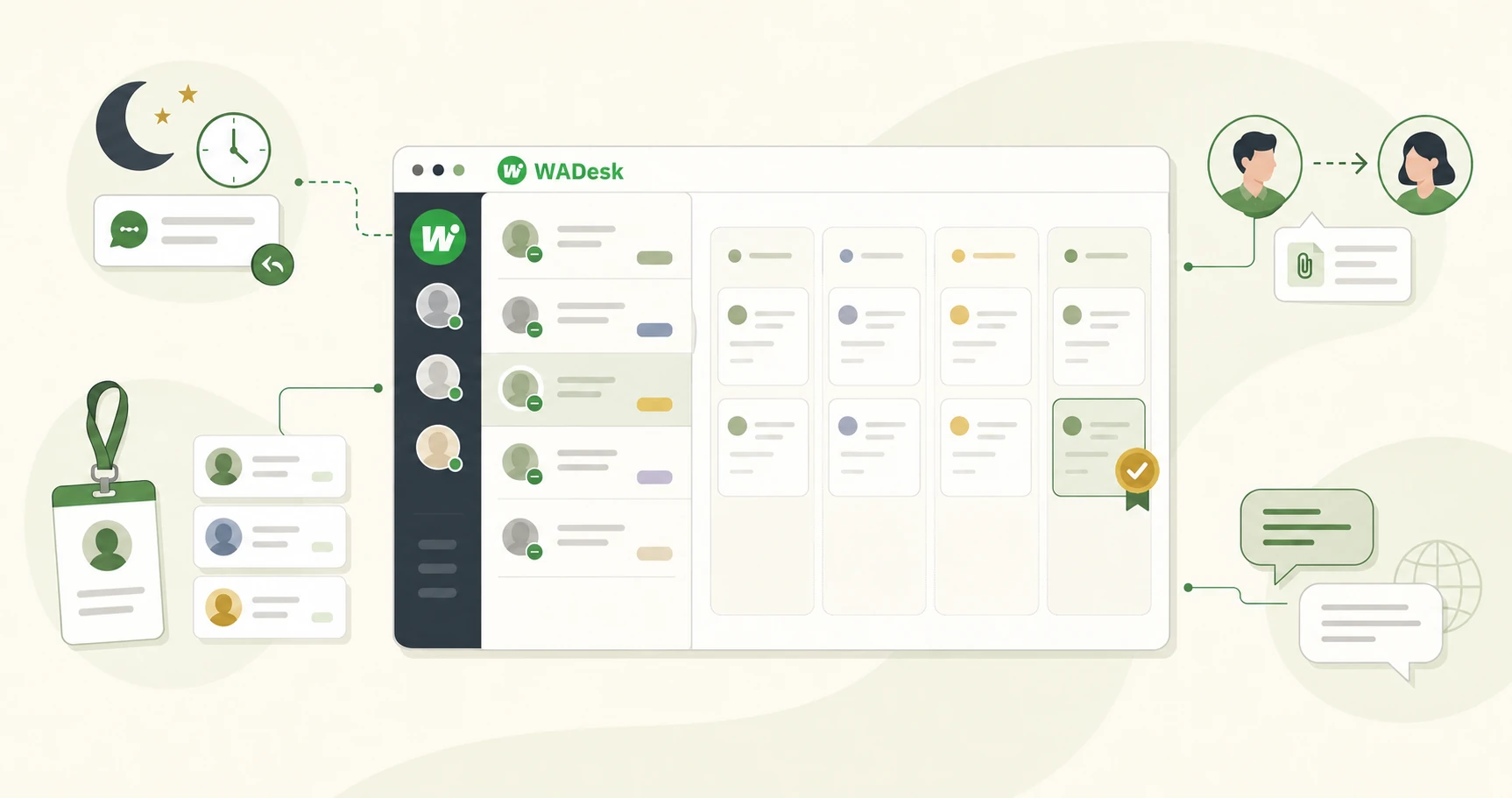
At 11:00 p.m., a buyer in Dubai messages your team for a quote on 500 units. By the time a sales rep sees it the next morning, the buyer has already contacted three other suppliers.
That lost opportunity may never appear in a sales report. It simply sits inside a WhatsApp account until the conversation goes cold.
Many export teams do not have a lead problem. They have a follow-up problem—and that is exactly where a WhatsApp CRM earns its place.
Where Export Teams Lose WhatsApp Leads
Most lost deals do not end with a clear “no.” They fade at one of four points:
- The inquiry arrives after hours. A buyer messages while your team is offline and hears back the next day, after another supplier has already responded.
- Leads are scattered across multiple accounts. Trade shows, websites and different markets feed separate WhatsApp numbers. Customer details end up in spreadsheets, personal notes or someone's memory.
- Nobody owns the next follow-up. A rep sends a catalog or quotation, then waits for the buyer to return. There is no reminder and no clear view of where the opportunity stands.
- Customer context leaves with the employee. Contacts, pricing history and negotiation details remain on a personal device, forcing the next rep to start from scratch.
A practical WhatsApp CRM for sales should help the team answer three questions at any time:
- Who owns this lead?
- What has happened so far?
- When should we contact the buyer again?
Build a WhatsApp Lead Management Process That Sales Reps Will Actually Use
The goal is not to turn a relationship-driven export business into a rigid automated funnel. It is to give every inquiry an owner, context and a next step.
1. Manage Multiple WhatsApp Accounts in One Workspace
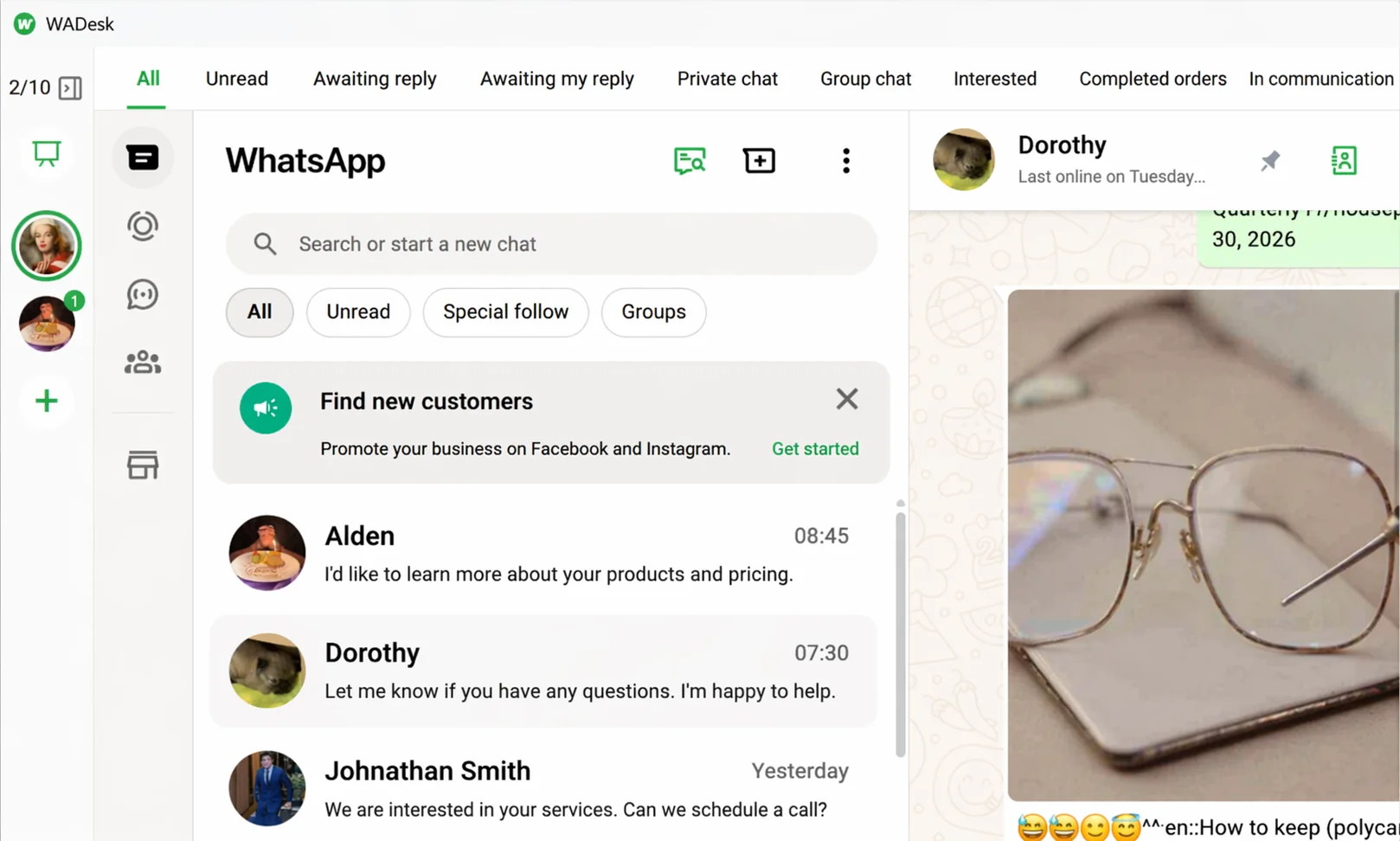
Export teams often use separate numbers for different markets, product lines or sales reps. WADesk brings those accounts into one desktop client, so reps can switch between the accounts they manage without borrowing phones or keeping several browser sessions open.
Managers can also use the team dashboard to review members, accounts and core communication activity. This makes it easier to manage multiple WhatsApp accounts while keeping responsibilities clear.
2. Turn Chats into Organized Customer Records
Names such as “Dubai buyer” or “Brazil lead 2” are not enough once the team starts handling hundreds of conversations.
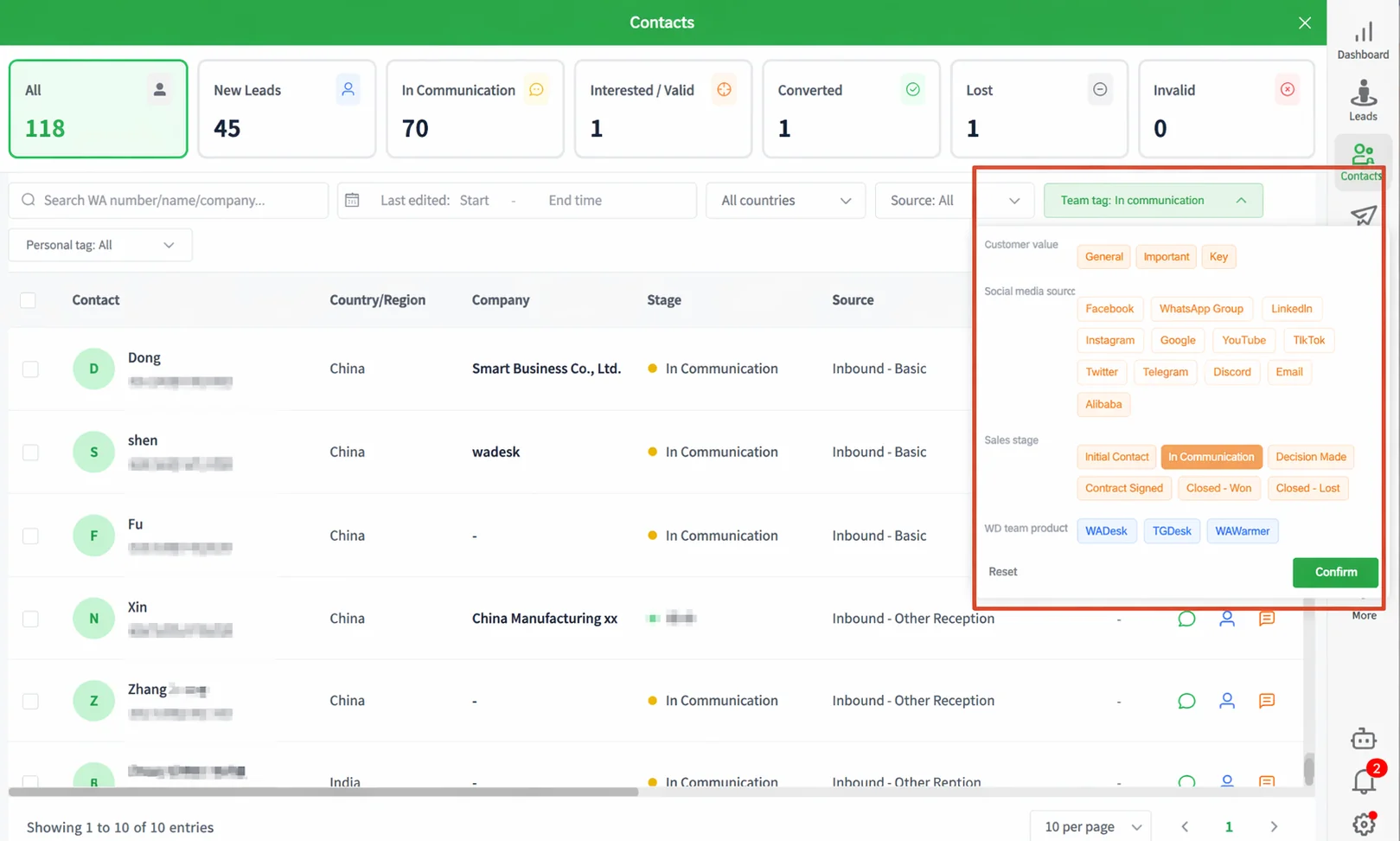
A simple WhatsApp customer management structure should record five things:
- Source: trade show, website, Google Maps or referral
- Market: country or region
- Requirement: product, specification and expected quantity
- Stage: new inquiry, quoted, sample sent, negotiating or won
- Priority: key account, standard lead or long-term nurture
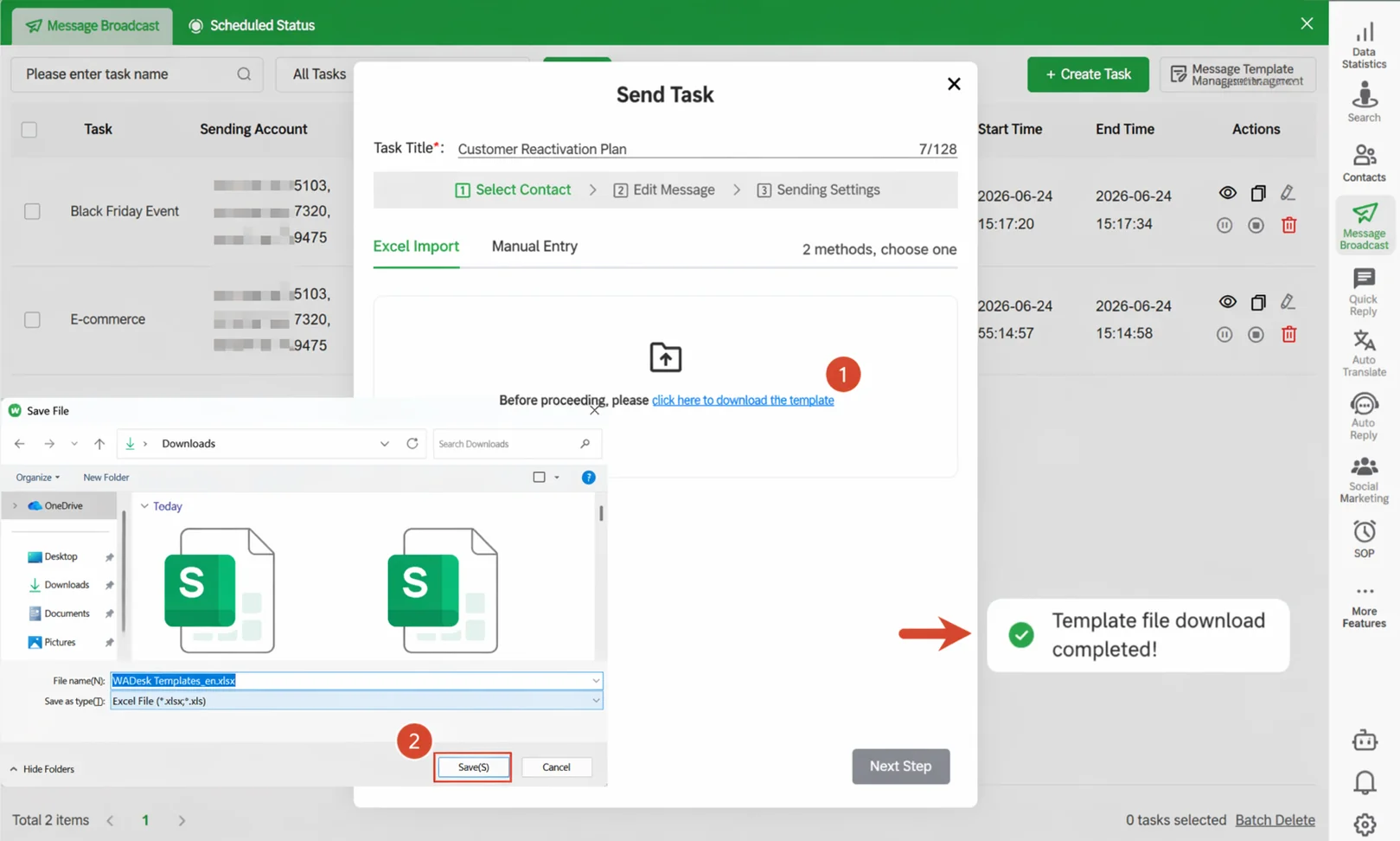
Customer lists can be imported into WADesk from a spreadsheet and organized with tags and groups. The next time a rep opens the contact, they can understand the opportunity without scrolling through weeks of messages.
3. Give Every Lead One Clear Owner
Two reps contacting the same buyer makes the company look disorganized. A high-intent inquiry sitting unassigned is even more expensive.
Assign one primary owner to each lead. After a quote or sample is sent, update the customer stage and set a concrete reminder, such as “Check quotation feedback in three days.”
A clear rejection gives the team an answer. “Let's wait a little longer” is where far more opportunities quietly disappear.
4. Acknowledge After-Hours Inquiries Automatically
Keyword and out-of-office replies can acknowledge common questions about pricing, minimum order quantities, catalogs and lead times. They can also ask the buyer for the product, quantity and destination country before a rep comes online.
For example:
Hi, thanks for contacting us. Our sales team is currently offline, but we have received your inquiry. Please share the product name, required quantity and destination country. We will reply during our next business hours.
The message does not pretend that a rep is online. It confirms receipt, gathers useful details and sets a clear expectation. Pricing, inventory, certifications and delivery dates should still be confirmed by a person.
5. Use Built-In Translation and Approved Quick Replies
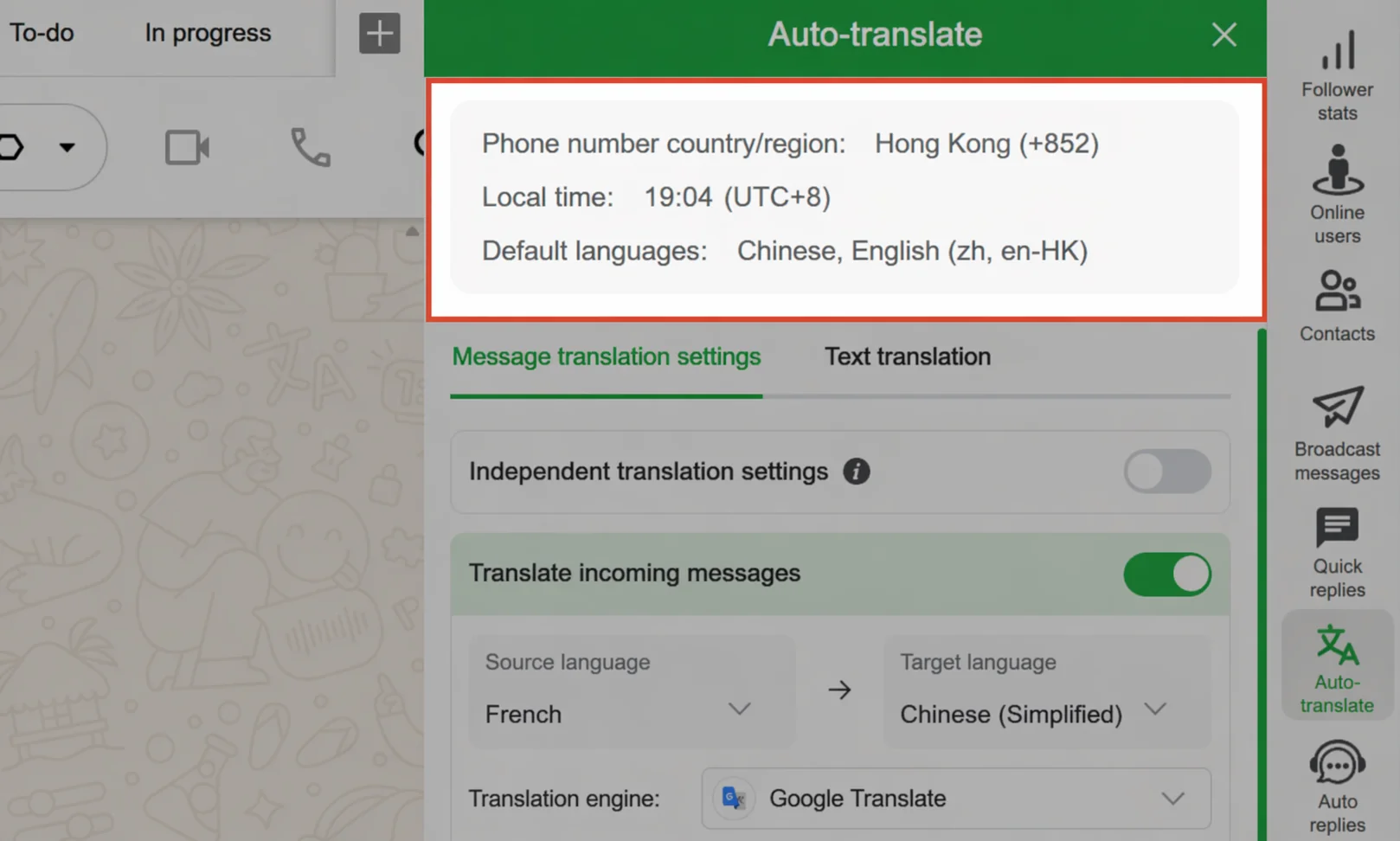
When a buyer writes in Spanish, Portuguese or Arabic, reps can translate incoming messages and outgoing replies inside the chat workflow. Frequently used answers—such as catalog introductions, sample policies and payment terms—can be saved in a team quick-reply library.
WhatsApp translation removes a great deal of copying and pasting, but important specifications, contracts and payment terms still deserve human review. Speed helps; accuracy closes the deal.
6. Make Every Quote End with a Next Step
Sending a quotation is an action. Following it up is a process.
After every meaningful conversation, the rep should update the lead stage and schedule the next action. If a message needs to reach the buyer during their working hours, WADesk can schedule it in advance.
For larger groups, segment customers by market, product interest and sales stage before creating a WhatsApp bulk messaging task. A buyer who has already requested a sample should not receive the same message as a cold contact from last year.
WADesk bulk messaging is different from the native WhatsApp broadcast list, which supports up to 256 contacts. In both cases, teams should contact people who have agreed to hear from them and keep message frequency reasonable. See the WhatsApp broadcast limit guide for details.
A Simple WhatsApp Sales Pipeline for Export Teams
| Sales stage | What the team is doing | How WADesk helps |
|---|---|---|
| New inquiry | Collect product, quantity and market details | Auto-reply and quick replies |
| Qualification | Assess need, fit and purchase potential | Customer profiles, tags and groups |
| Quote or sample | Send documents and agree on the next action | Attachments and task reminders |
| Negotiation | Track specifications, price and payment terms | Stage tags, notes and follow-up reminders |
| After-sales and reorder | Support the buyer and develop the next order | Customer groups and scheduled messages |
This WhatsApp sales pipeline does not move itself. Reps still need to update each stage as conversations progress. WADesk also does not automatically pull deal status from Alibaba.com, a website, an ERP or another CRM.
A One-Week WhatsApp CRM Setup Plan
Days 1–2: Connect accounts and set permissions. Add the WhatsApp accounts used by the company, create team members and define who owns each market or product line.
Day 3: Import and tag customers. Start with active and high-value contacts. Add source, market, product, stage and priority tags.
Day 4: Configure replies. Set up after-hours messages, keyword replies and a shared quick-reply library for common sales questions.
Day 5: Build the follow-up habit. Add reminders for quoted, sampled and negotiating customers. Make “next action” a required part of every important conversation.
Week 2: Review and refine. Check response times, missing tags and overdue tasks. Then test one scheduled message with a small, relevant customer segment that has agreed to receive updates.
How to Measure Whether Your WhatsApp CRM Is Working
Message volume is easy to count. It says very little about whether leads are being managed well.
Track these instead:
- Time to first human response
- Percentage of new leads with an assigned owner
- Percentage of quotations followed up on time
- Percentage of active customers with source, product and stage tags
- Repeat inquiries and orders from existing customers
WADesk's team dashboard can help track contacts, message activity and response times. Quotations, orders and payments should still be measured through your existing CRM, ERP or internal reports.
Common Questions
Does a small export team need a WhatsApp CRM?
Not always. One rep with one account and a small customer list may be perfectly comfortable with the WhatsApp Business app. A WhatsApp CRM becomes more useful when the team manages multiple accounts, starts missing follow-ups or needs a reliable handover process.
Is WADesk a CRM with WhatsApp integration?
WADesk is a WhatsApp customer management tool for export and cross-border teams. It manages existing WhatsApp accounts through a desktop client and team dashboard, with customer tags, task reminders, automated replies, translation and bulk messaging.
It does not automatically sync orders or deal stages from Alibaba.com, ecommerce platforms, ERPs or other sales CRMs. Customer data can be exported from those systems and imported into WADesk when needed.
Can WADesk prevent two reps from contacting the same buyer?
A shared customer list, clear lead ownership and consistent tagging can reduce duplicate outreach. The team still needs to follow the same assignment and data-entry rules; software cannot fix a process nobody follows.
Will chat history always remain available when an employee leaves?
No tool should make that promise without conditions. WADesk supports customer data import and export as well as chat history backup, but the company should complete the backup, account review and customer reassignment before the employee leaves.
Keep Every Export Inquiry Moving
A useful WhatsApp CRM does more than help reps send messages faster. It keeps promising buyers from being lost to time zones, scattered accounts and team changes.
WADesk helps export teams manage multiple WhatsApp accounts, organize customer records, respond faster and keep follow-ups visible. It will not negotiate or close the deal for your sales team. It will make sure the right opportunity reaches the right person—with a clear next step.
Keep every inquiry in the company, answer every time zone, and make sure every lead has a next step. See if WADesk fits your export team.
Get Started with WADesk → Book a Demo →