


Have you ever wished you could compose a message in advance and have it sent automatically at a later time? You're not alone. Whether it's dealing with time zone differences or trying to get ahead of the game during major holidays, the demand for a WhatsApp schedule message solution is growing rapidly—not just among businesses and marketers, but also remote teams and everyday users.
Although WhatsApp doesn't offer a built-in scheduling feature yet, there are powerful tools and smart methods that allow you to schedule WhatsApp messages with ease. In this article, we'll walk you through everything you need to know: when and why to use message scheduling, which tools to trust, how to set it up, and best practices to keep your communication timely and efficient.
This is one part of a complete team workflow — see the WhatsApp Operations Playbook for Export & Global Sales Teams.
Why the WhatsApp App Doesn't Let You Schedule Messages (Yet)
Despite being one of the most used messaging platforms in the world, the WhatsApp schedule message function is surprisingly missing from both the regular WhatsApp and the WhatsApp Business app. There's no official way to automate or delay a message, which makes users search for third-party apps or external solutions.
If you're someone who frequently needs to message clients, follow up with leads, or remind your team about deadlines, then mastering how to schedule WhatsApp messages becomes a massive productivity booster.
Who Benefits the Most from WhatsApp Schedule Message Features?
Almost everyone can take advantage of the WhatsApp schedule message capability:
- Entrepreneurs & Business Owners: Automatically send reminders, updates, and promotions.
- Remote Teams: Manage time zone differences by scheduling communications.
- Event Organizers: Send event alerts or countdown messages at the perfect time.
- Everyday Users: Schedule birthday wishes, motivational quotes, or medication reminders. If your goal is to send messages at the right moment—even when you're unavailable—then scheduling messages is a must-have.
We need to look at how to schedule WhatsApp messages in three different scenarios: first, on Android devices; second, on iPhones; and third, using WhatsApp Web.
How Android Users Can Schedule WhatsApp Messages
On Android, several apps support WhatsApp schedule message features effectively.
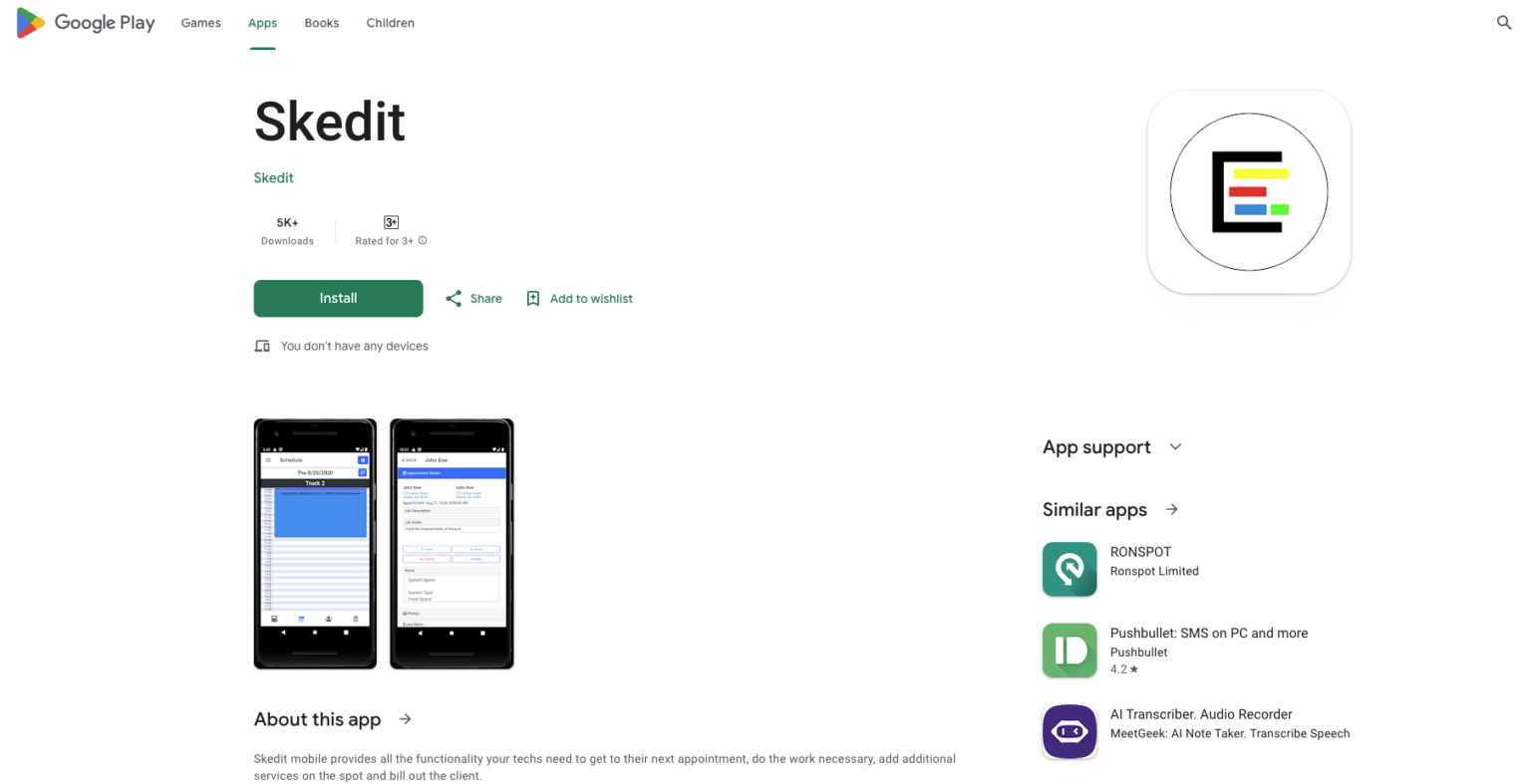
SKEDit
- Install SKEDit from the Play Store.
- Grant necessary permissions (especially accessibility).
- Choose WhatsApp, type your message, select a recipient and time.
- Activate scheduling, and you're done!
How iPhone Users Can Schedule WhatsApp Messages
iOS has tighter security, but there are still a couple of ways to achieve a WhatsApp schedule message setup:
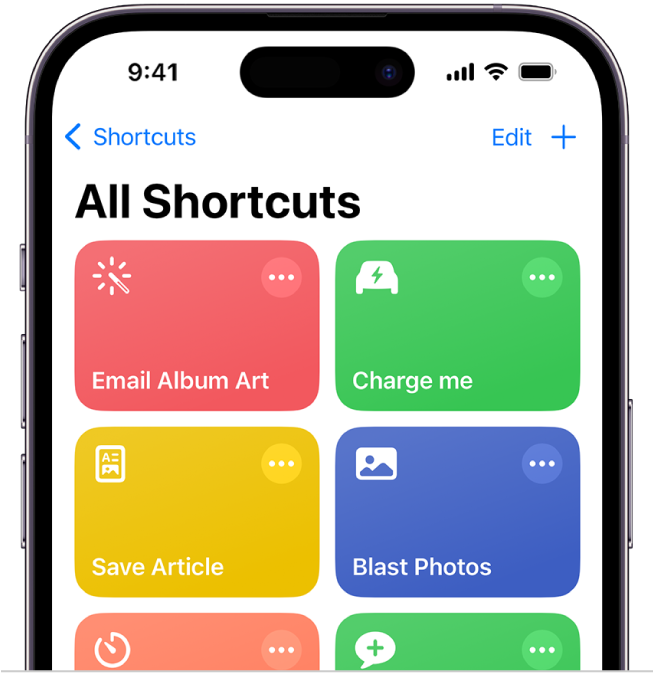
Using Shortcuts on iPhone to schedule WhatsApp messages requires some indirect steps, as WhatsApp or WhatsApp Business dosen't support WhatsApp schedule messages. However, you can still set up reminders and prepare to send messages at a scheduled time using Shortcuts and Automation. Here is a detailed step-by-step guide:
Step 1: Prepare Your WhatsApp Message
First, you need to decide on the message content you want to schedule and ensure that you have the contact or group ready to send the message.
Step 2: Install and Open Shortcuts
- Ensure that the Shortcuts app is installed on your iPhone (it is usually pre-installed).
- Open the Shortcuts app.
Step 3: Create a New Shortcut
- In the Shortcuts app, click the + button in the top right corner to create a new shortcut.
- In the action interface that pops up, click Add Action.
Step 4: Choose the "Send Message" Action
- In the search bar, type "Send Message".
- Select the Send Message action and set it to send to a specific contact.
- Choose WhatsApp as the method to send.
- Enter the message content.
Step 5: Set Time-Based Trigger
Since Shortcuts cannot directly schedule WhatsApp messages, you need to use the Automation feature to set a time-based trigger.
- Go back to the Shortcuts main screen, and tap the Automation tab at the bottom.
- Tap the + in the top right corner to create a new automation.
- Choose Create Personal Automation.
- Select Time of Day, and set the time you want the message to be sent.
- After setting the trigger conditions, tap Next.
- Select the Shortcut you previously created to trigger sending the message.
- Confirm and save your automation.
Step 6: Test the Automation
- Wait for the set time and see if it successfully triggers and reminds you to send the WhatsApp message.
- Due to iOS security policies, you may need to manually confirm sending the message, as it cannot be fully automated.
How WhatsApp Web Users Can Schedule WhatsApp Messages
Among all the available platforms, WhatsApp Web is one of the most widely used—especially by professionals and businesses who prefer to manage conversations directly from their desktops. However, just like the mobile app, WhatsApp Web doesn't come with a built-in message scheduling feature.
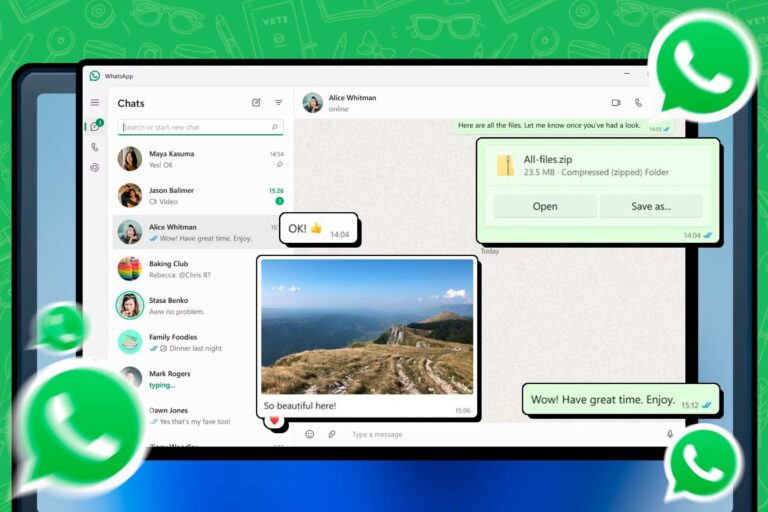
Image source: How To Geek
At this point, a platform like WADesk can help fulfill this need. WADesk enables users to easily schedule WhatsApp messages directly in their browser. You can create templates in advance, set recipients, schedule delivery times, and even manage contacts in bulk—all without relying on your phone. This makes it especially suitable for sales teams, customer service agents, or anyone who needs to manage large-scale communication through WhatsApp Web.
Step by Step Guide of WADesk WhatsApp Schedule Message
Step 1: Open the WADesk app and log in with your WhatsApp account.
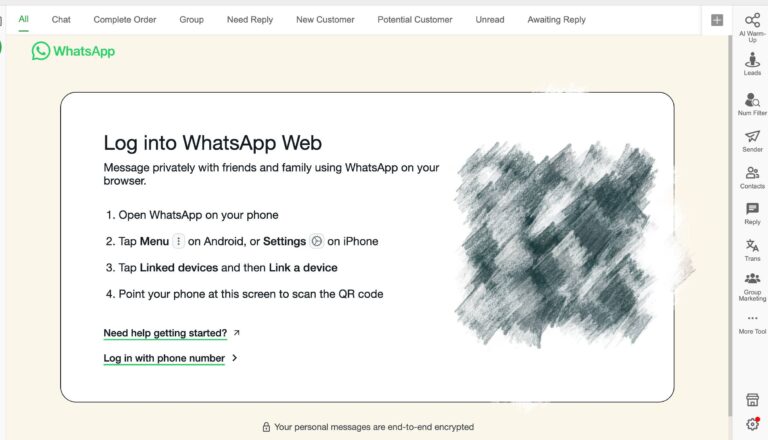
Step 2: Click on the Sender feature, then select Create Task. Import the file that contains your scheduled messages.
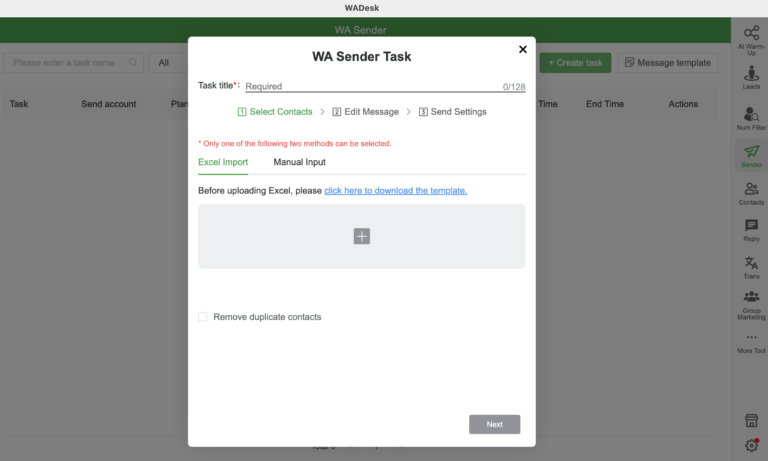
Step 3: Choose your message template — you can edit and customize it in advance to fit your communication needs.
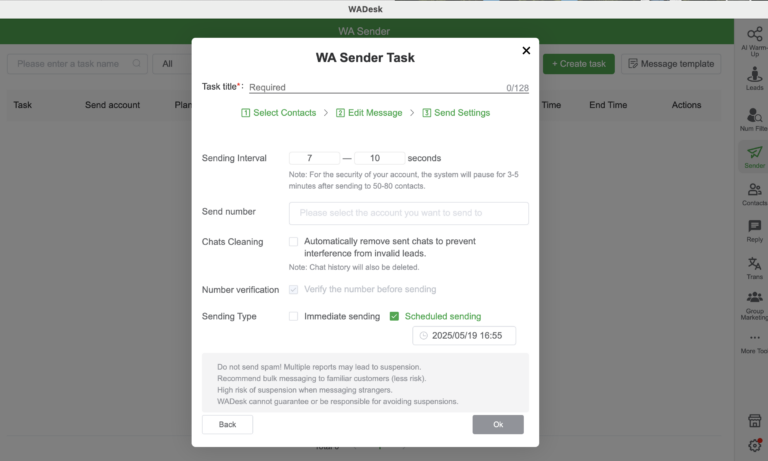
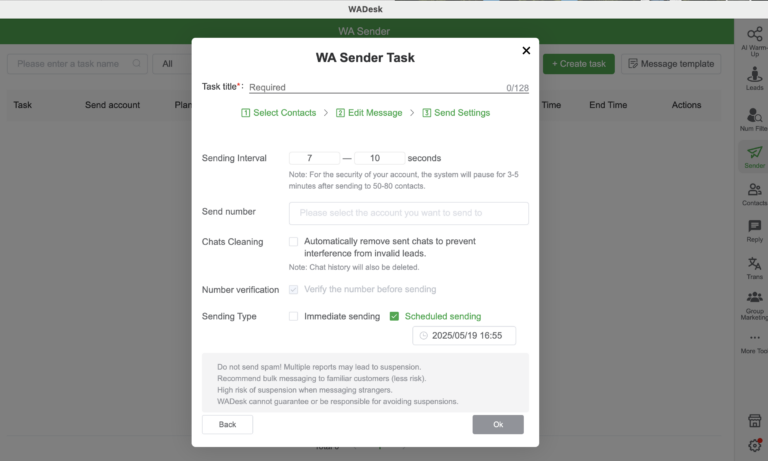
Step 4: Set the desired sending time and frequency according to your schedule.
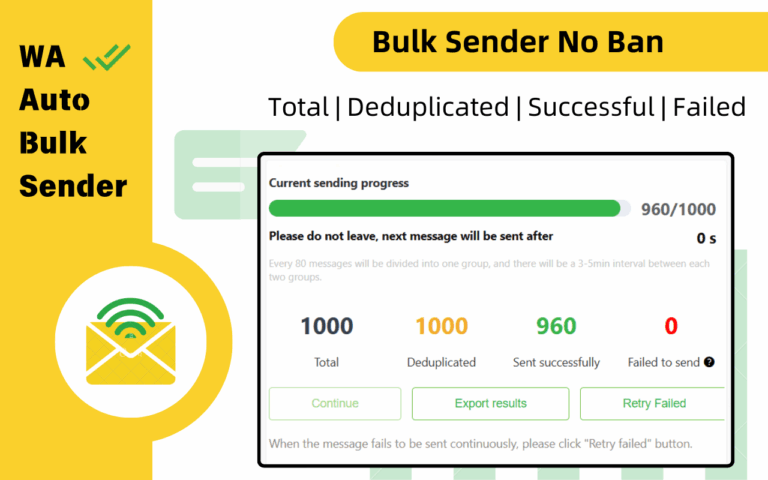
Download the WADesk app or if you prefer to start with a lighter, more streamlined bulk-sending tool, you can try the Free WhatsApp Bulk Sender first. It’s a free and practical tool that lets you import contacts in bulk from Excel or CSV files. Besides text messages, it also supports sending images, videos, contact cards, and any type of file in batches. You can even insert dynamic variables (such as name or time) to make every marketing message feel more personal and engaging.
Conclusion
Whether you're a business owner, customer support agent, marketer, or simply someone who wants to communicate more efficiently, the WhatsApp schedule message feature has become more of a necessity than a convenience. It helps you save time, maintain professionalism, and ensure that your messages are delivered at exactly the right moment.
By exploring the three main use cases—Android, iPhone, and WhatsApp Web—and using tools like WADesk, you can choose the method that fits your needs best. These solutions allow you to automate, customize, and scale your messaging strategy with ease.
In the end, mastering timing means mastering communication. So why wait? Start scheduling your WhatsApp messages today, and make every conversation count.